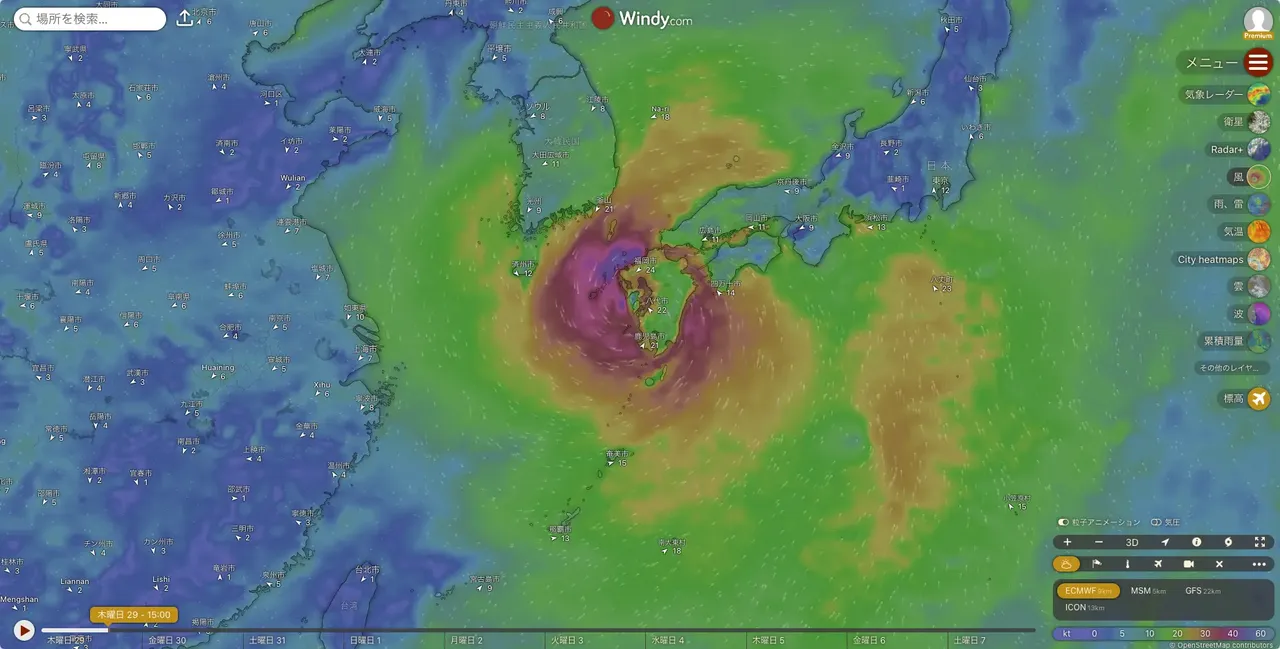
最強の気象サイト Windy.com
定番採譜ソフト Finale 開発終了

少なくとも日本では採譜ソフトの定番となっている Finaleの開発終了がアナウンスされました。
使用している音楽関係者の間では、突然のアナウンスで「Finaleがついフィナーレを迎えた」などという冗談を言える雰囲気でないほど混乱しているようです。
続きを読む
読了『南海トラフ地震の真実』
『劇場総集編ぼっち・ざ・ろっく! Re:Re:』を見た
読了『アメリカの戦争責任 戦後最大のタブーに挑む』
読了『テクノ・リバタリアン 世界を変える唯一の思想』
Mineoから楽天モバイルへ
ポール・マッカートニーの写真展「Eyes of the Storm」に行ってきた
NetlifyからCloudFlare Pages移行しました。
Error : Image not created
Args : ['mmdc', '-p', '/var/folders/x3/vgfys_q91zv914cwzkvbzmb80000gn/T/tmpr8bsqovh/puppeteer-config.json', '-o', '/var/folders/x3/vgfys_q91zv914cwzkvbzmb80000gn/T/tmpr8bsqovh/out.svg']
stdout : Generating single mermaid chart
stderr :
No input file specified, reading from stdin. If you want to specify an input file, please use `-i .` You can use `-i -` to read from stdin and to suppress this warning.
Error: Could not find Chrome (ver. 131.0.6778.204). This can occur if either
1. you did not perform an installation before running the script (e.g. `npx puppeteer browsers install chrome-headless-shell`) or
2. your cache path is incorrectly configured (which is: /Users/yostos/.cache/puppeteer).
For (2), check out our guide on configuring puppeteer at https://pptr.dev/guides/configuration.
at ChromeLauncher.resolveExecutablePath (file:///opt/homebrew/Cellar/mermaid-cli/11.12.0/libexec/lib/node_modules/@mermaid-js/mermaid-cli/node_modules/puppeteer-core/lib/esm/puppeteer/node/BrowserLauncher.js:266:27)
at ChromeLauncher.computeLaunchArguments (file:///opt/homebrew/Cellar/mermaid-cli/11.12.0/libexec/lib/node_modules/@mermaid-js/mermaid-cli/node_modules/puppeteer-core/lib/esm/puppeteer/node/ChromeLauncher.js:85:24)
at async ChromeLauncher.launch (file:///opt/homebrew/Cellar/mermaid-cli/11.12.0/libexec/lib/node_modules/@mermaid-js/mermaid-cli/node_modules/puppeteer-core/lib/esm/puppeteer/node/BrowserLauncher.js:45:28)
at async run (file:///opt/homebrew/Cellar/mermaid-cli/11.12.0/libexec/lib/node_modules/@mermaid-js/mermaid-cli/src/index.js:551:17)
at async cli (file:///opt/homebrew/Cellar/mermaid-cli/11.12.0/libexec/lib/node_modules/@mermaid-js/mermaid-cli/src/index.js:214:3)
graph code : %%{init: {'theme': 'base', 'themeVariables': { 'width': '800px', 'height': '400px' }}}%%
graph LR;
A[スタート] --> B[プロセス1];
B --> C{条件A};
C -->|yes| D[プロセス2];
C -->|no| E[プロセス3];
D --> F[終了];
E --> F[終了];